Expense & Bill Management
As your startup grows, vendor bills pile up fast — SaaS subscriptions, office supplies, marketing services, infrastructure costs. UniTrack's Expense module has two sides: My Expenses (employee expense claims with approval workflows) and Bills (vendor invoices your company receives). Together they give you complete visibility into where every rupee goes.
1. Employee Expenses (My Expenses)
Allow employees to submit expenses for reimbursement easily.
- 1Expense Dashboard
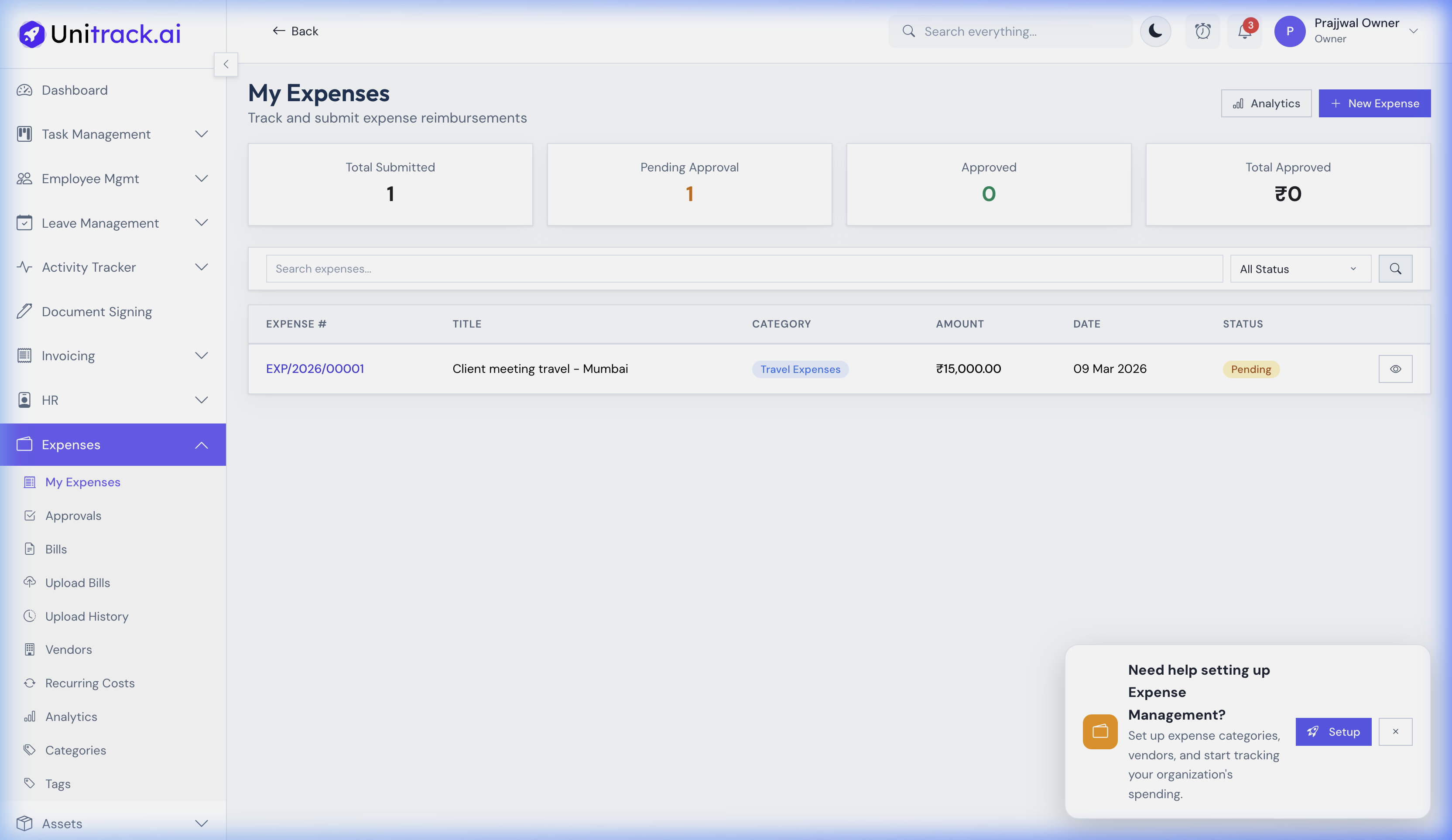
Navigate to Expenses → My Expenses. This dashboard tracks submitted expenses, clearly showing summary cards for "Pending Approval" and "Approved" totals.
- 2Submit & Track
Employees can easily click + Create Expense to log a new expense by adding a title, category, and total amount. The list view tracks the real-time status (e.g., Pending, Approved, Paid) for each request.
2. Vendor Bills Management
Keep track of accounts payable and vendor invoices securely.
- 1Bills Dashboard
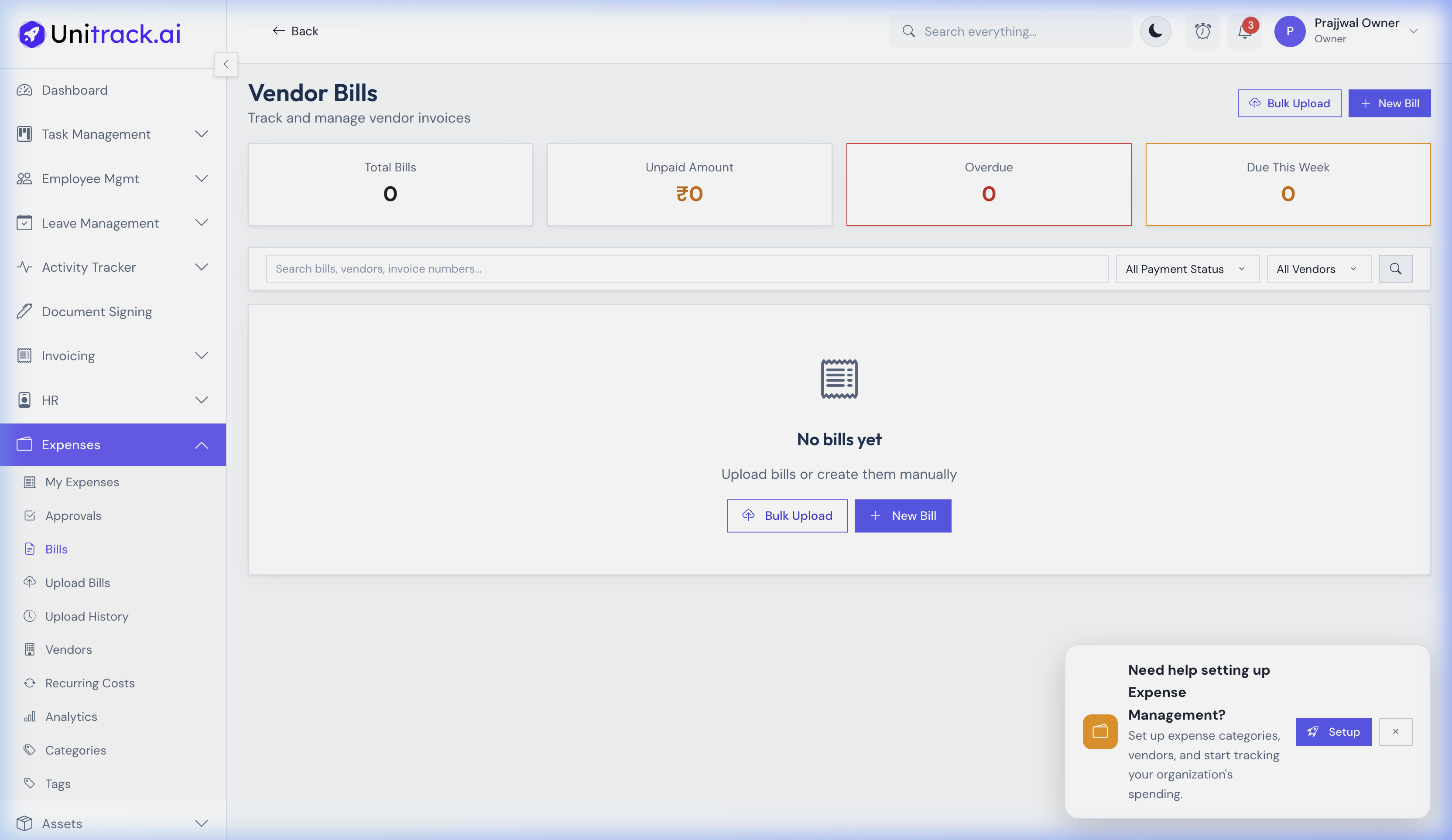
Go to Expenses → Bills. The dashboard highlights high-level metrics like "Unpaid Amount", "Overdue", and what is "Due This Week", helping you manage cash flow.
- 2Bulk Receipts Upload
If you have a stack of vendor invoices, use the Bulk Upload tool to upload multiple documents simultaneously, streamlining your accounts payable operations.
- 3Vendor Database
Maintain an organized list of all vendors in the Vendors tab, ensuring you have accurate tax and contact details before logging new bills.