Streamlined HR & Recruitment
Startups hire fast, but disorganized hiring leads to lost candidates and bad interviews. UniTrack features a full Applicant Tracking System (ATS) built right in — from job requisitions and AI-powered resume parsing to structured interviews, scorecards, formal offer letters, and onboarding checklists. This guide covers every step of the hiring lifecycle.
1. HR Dashboard
Get a complete overview of your hiring pipeline in one place.
- 1Overview Metrics
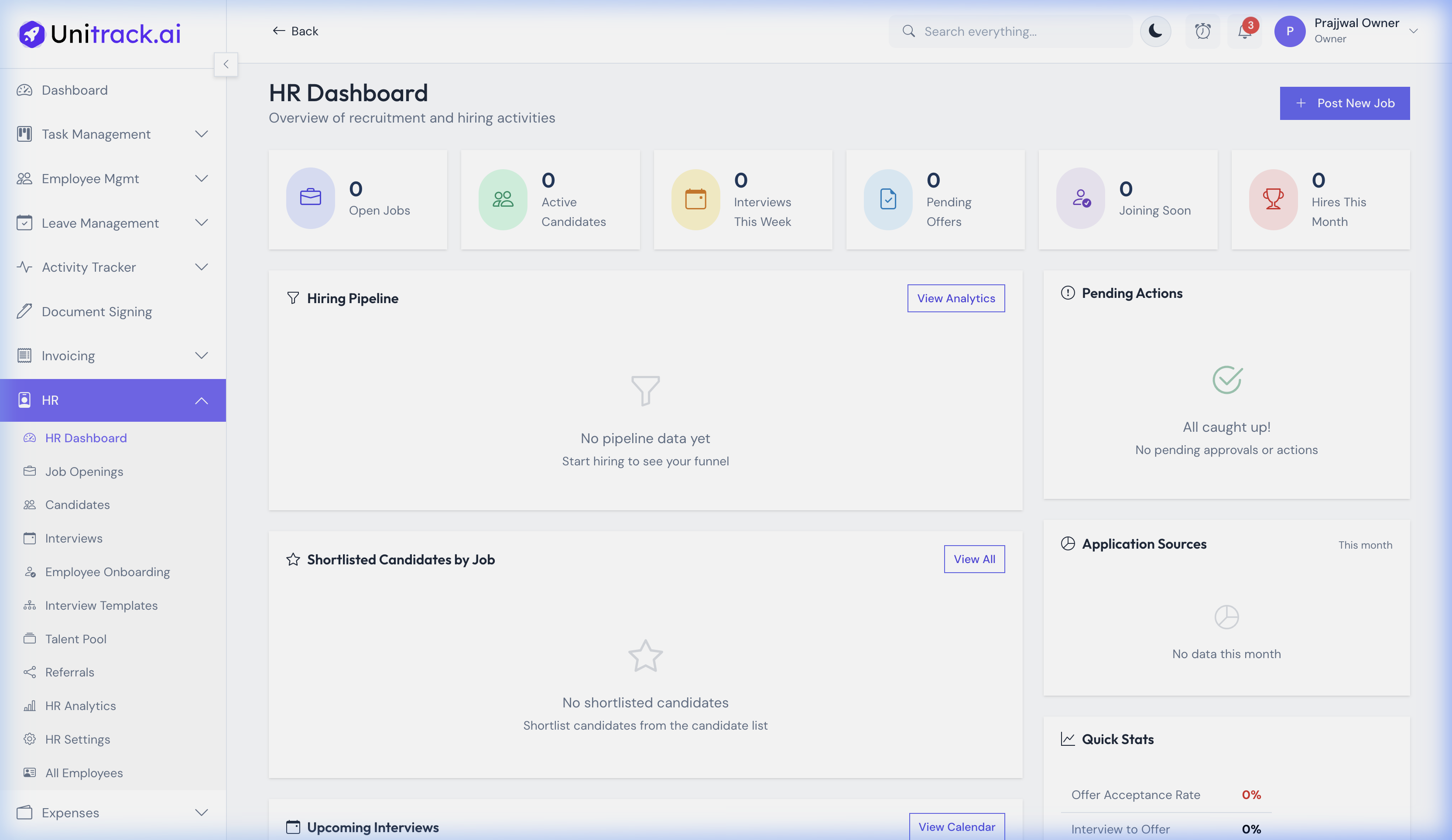
Go to HR → HR Dashboard. The dashboard provides quick statistics for Open Jobs, Active Candidates, Pending Offers, and Upcoming Interviews. These top-level numbers help HR keep a pulse on recruitment velocity.
- 2Pipeline Tracking
The dashboard also previews the hiring funnel, recent job openings, and candidate flow to ensure nothing falls through the cracks.
2. Managing Job Openings
Create and publish open roles for your organization.
- 1Create a Job
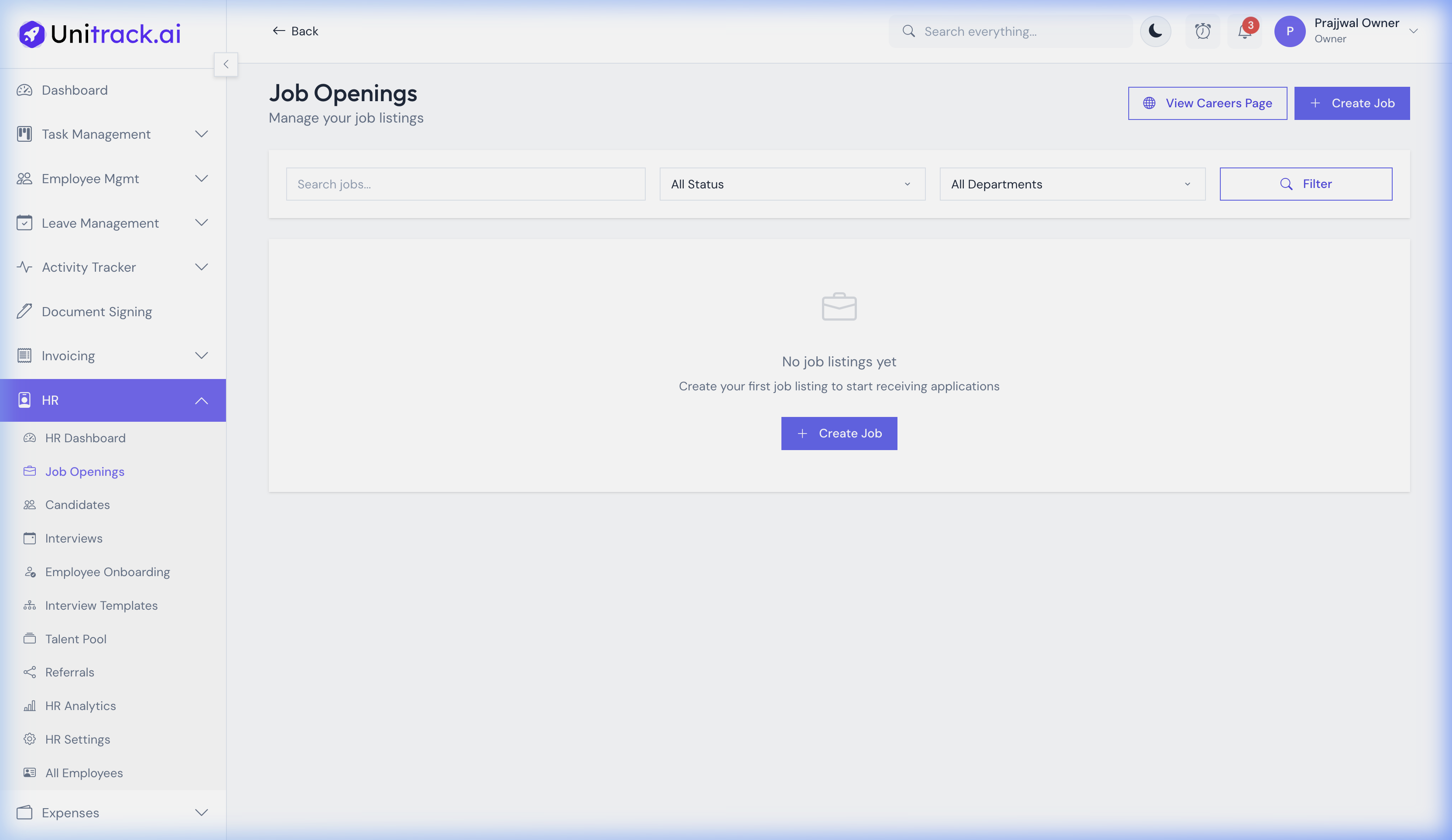
From HR → Job Openings, click Create Job to define a new open role. You can set the title, department, employment type (Full-time, Contract, etc.), and location.
- 2Job Descriptions & Status
Provide detailed requirements and descriptions. Jobs can be saved as a Draft or published as Open. You can use the search bar and status filters on the jobs page to easily manage multiple open roles across departments.
3. Candidate Tracking
Manage applicants from the moment they apply until they are hired.
- 1Add Candidates
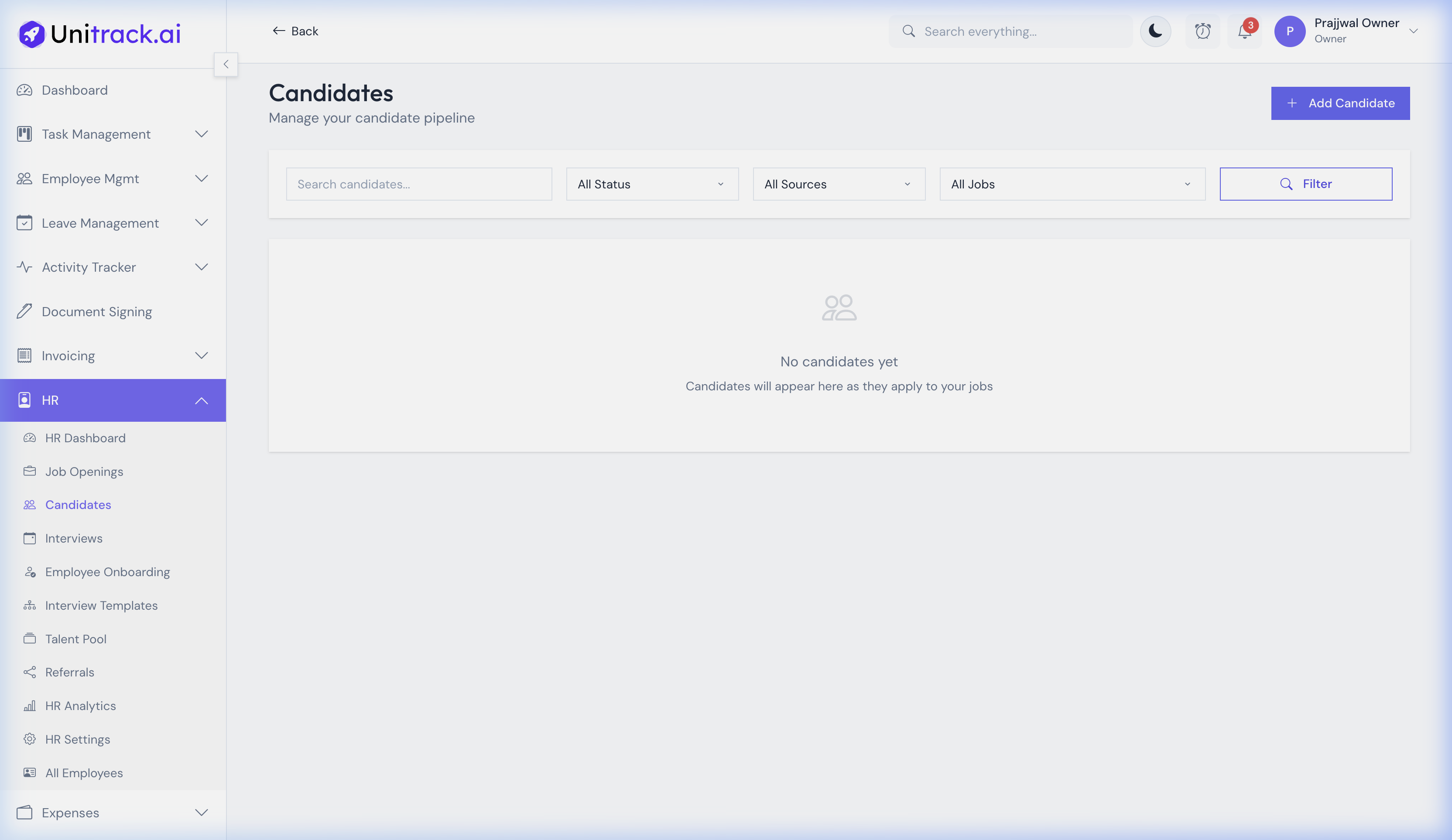
Go to HR → Candidates. You can manually add candidates or have them populate automatically from external careers portals. Click Add Candidate to map an applicant's resume and contact info to a specific Job Opening.
- 2Filter by Status
Use the filtering tools to view candidates by their current pipeline stage (e.g., Screening, Shortlisted, Interviewing). This ensures HR teams can focus their attention on candidates who need immediate follow-up.
4. Scheduling Interviews
Keep your hiring team coordinated with a central interview calendar.
- 1Interview Calendar
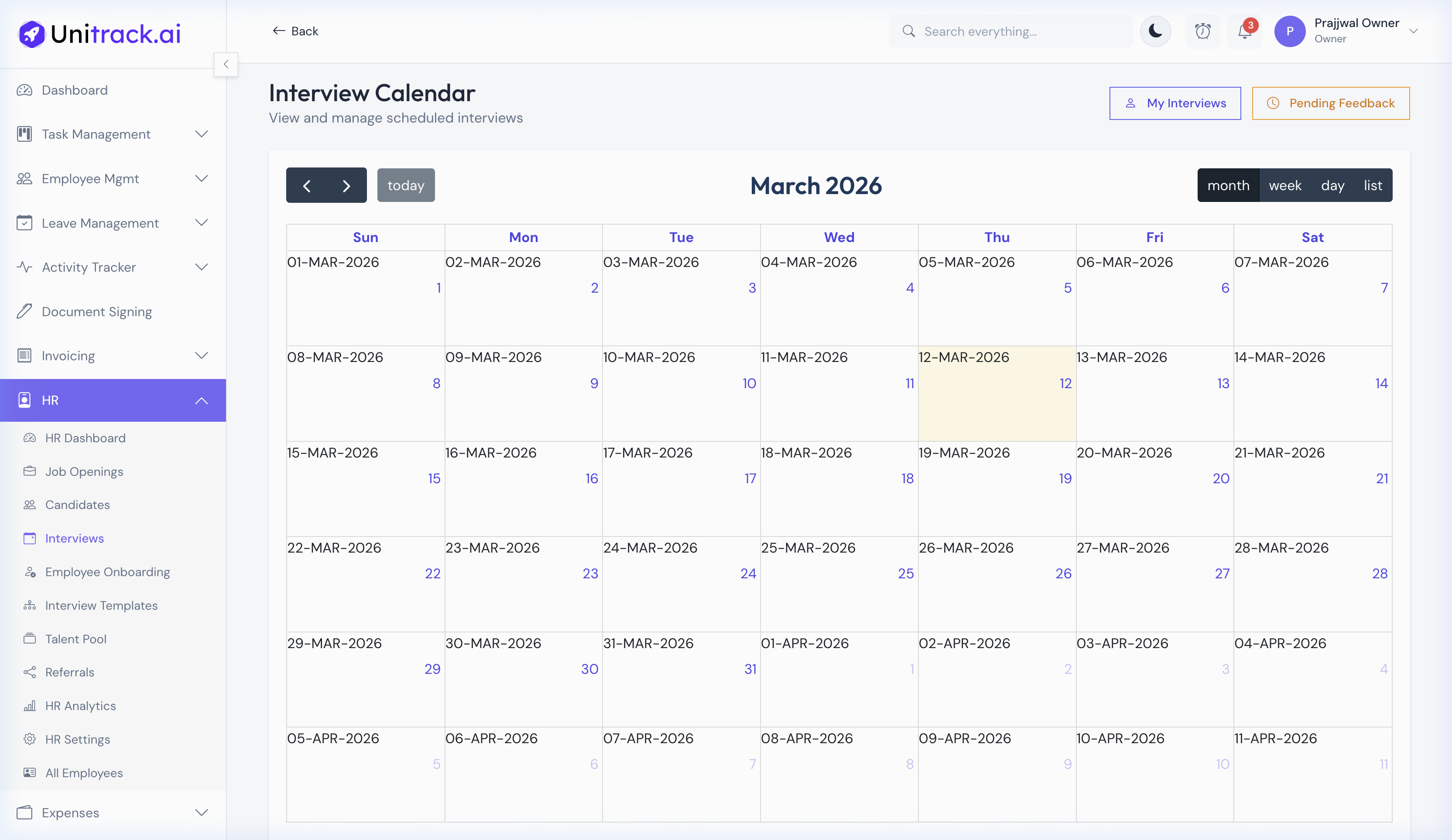
Navigate to HR → Interviews. This visual calendar displays all scheduled interviews across the company. You can switch between Monthly, Weekly, and Daily views to track who is interviewing whom, and when.
- 2Feedback & Action Items
The "Pending Feedback" view helps HR managers chase down interview scorecards from hiring managers, ensuring candidates get timely responses and the hiring process stays moving.